
CREATORBASE STUDIO / TOOLBASE
Small tasks.
Big possibilities.
Prepare your images, make a clean cutout, or bring a collection together. Start with a focused tool, then keep creating in your studio.
Try 3 guest exports. Create a free account for 30 Toolbase exports per calendar month. Paid plans include unlimited Toolbase exports. AI generation is priced separately.
Open the full tool library ↗What do you want to make?
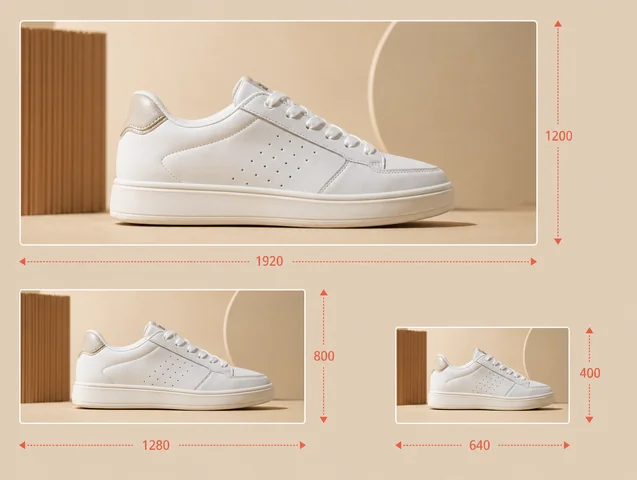
Image Resizer ↗
Resize JPG, PNG, and WebP images to custom dimensions. Choose how your photo fits, preview the result, and download from Creatorbase Studio.
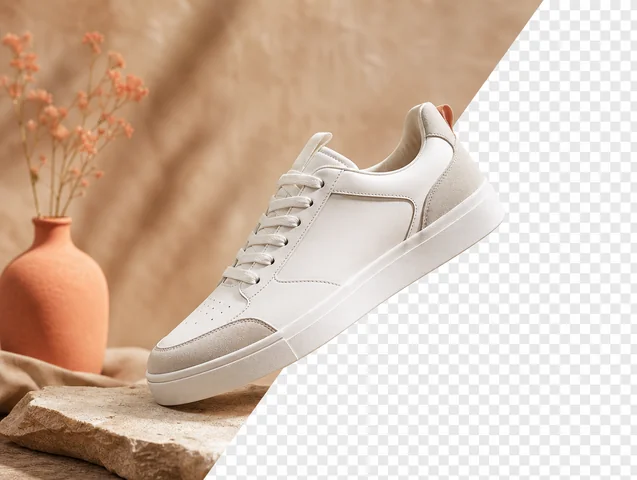
Background Remover ↗
Remove an image background in your browser, refine the cutout, and download a transparent PNG with Creatorbase Studio.
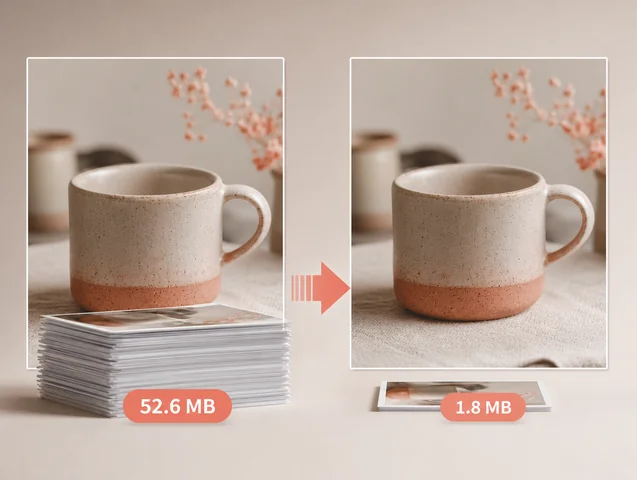
Image Compressor ↗
Compress images with adjustable quality and output settings. Compare the result and file size before downloading with Creatorbase Studio.
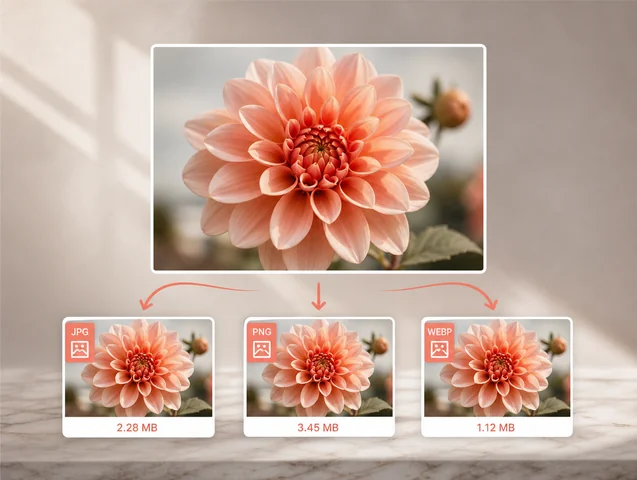
Image Converter ↗
Convert images to JPG, PNG, or WebP. Choose the output format and quality, preview your image, and download with Creatorbase Studio.

Collage Maker ↗
Arrange photos into a collage, adjust the layout, and download a single image. Create product collections and visual stories with Creatorbase Studio.
From a quick task to your next creation.
Choose a tool, add your files, and review your result. Download it to keep a copy, or continue editing in Creatorbase. Your current tool files stay in this browser session until you leave or reload.

