Build a visual story
Choose photos that belong together: a product collection, a sequence of moments, or a mood board. A focused set is easier to read than a crowded collage.

TOOLBASE / COLLAGE MAKER
Arrange photos into a collage, adjust the layout, and download a single image. Create product collections and visual stories with Creatorbase Studio.
Try 3 guest exports. Create a free account for 30 Toolbase exports per calendar month. Paid plans include unlimited Toolbase exports. AI generation is priced separately.
Your file opens directly in the tool. Processing happens on your device.
THREE SIMPLE STEPS
GET A BETTER RESULT

Choose photos that belong together: a product collection, a sequence of moments, or a mood board. A focused set is easier to read than a crowded collage.
Adjust the layout and spacing so important details remain visible. Use a consistent background to tie images together, and check crops around faces and product labels.
Preview the composition at the size people will see it. For social posts, make sure the individual images remain readable on a small screen.
Yes. Select multiple images together or add more inside the collage workspace. The tool shows any applicable batch limit.
Use Continue editing in Creatorbase to pass the exported collage into the photo editor. The exported collage is a single flattened image.
Try 3 guest exports. Create a free account for 30 Toolbase exports per calendar month. Paid plans include unlimited Toolbase exports. AI generation is priced separately.
This browser tool processes images on your device. Saving assets to your account or using AI workflows involves separate cloud services. Download your result before leaving or reloading the tool.
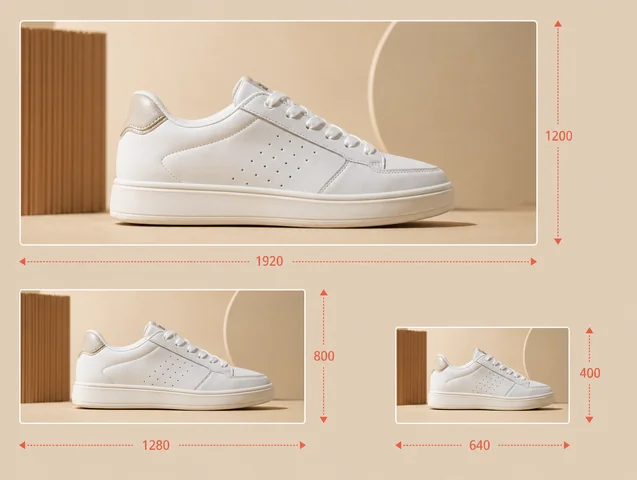
Resize JPG, PNG, and WebP images to custom dimensions. Choose how your photo fits, preview the result, and download from Creatorbase Studio.
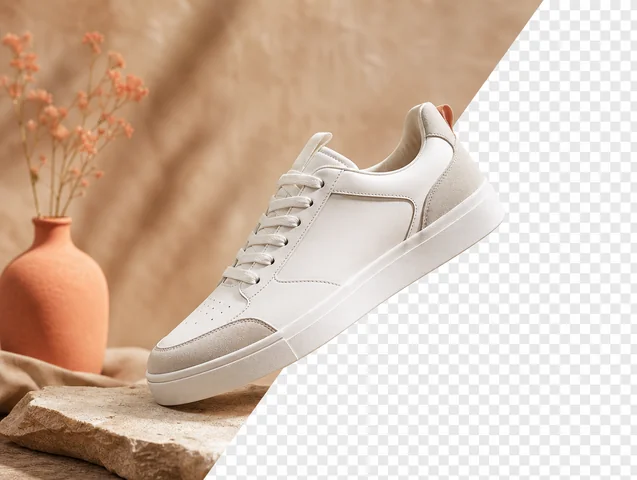
Remove an image background in your browser, refine the cutout, and download a transparent PNG with Creatorbase Studio.
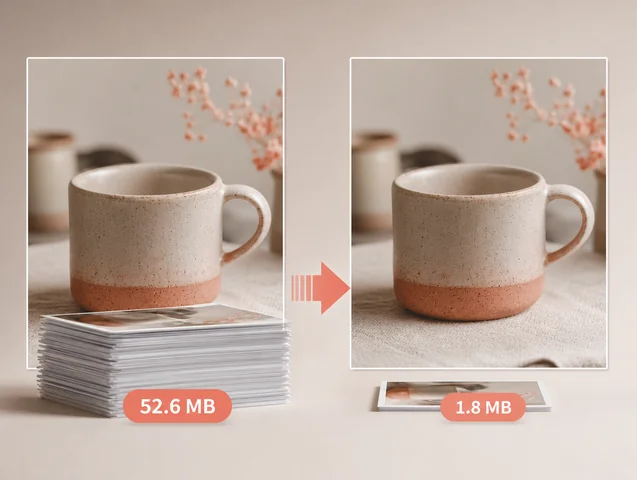
Compress images with adjustable quality and output settings. Compare the result and file size before downloading with Creatorbase Studio.


A little fine-tuning. A whole new perspective.
Tell AI what you want to change—enhance the lighting, reimagine the background, or add a new look.
Upload a photo, choose an action, and make it yours.
Requires AI Studio access and credits. Add your exported photo as a reference in the studio, then review the estimate before generating.
Choose a photo to preview a slow cinematic zoom.
Upload a video, select a moment, and save a shorter clip.
MP4, MOV, or WebM supported by your browser
Loading your image workspace…