JPG for photographs
Use JPG for photos when you do not need transparency. Adjust the quality to balance detail against file size.

TOOLBASE / IMAGE CONVERTER
Convert images to JPG, PNG, or WebP. Choose the output format and quality, preview your image, and download with Creatorbase Studio.
Try 3 guest exports. Create a free account for 30 Toolbase exports per calendar month. Paid plans include unlimited Toolbase exports. AI generation is priced separately.
Your file opens directly in the tool. Processing happens on your device.
THREE SIMPLE STEPS
GET A BETTER RESULT
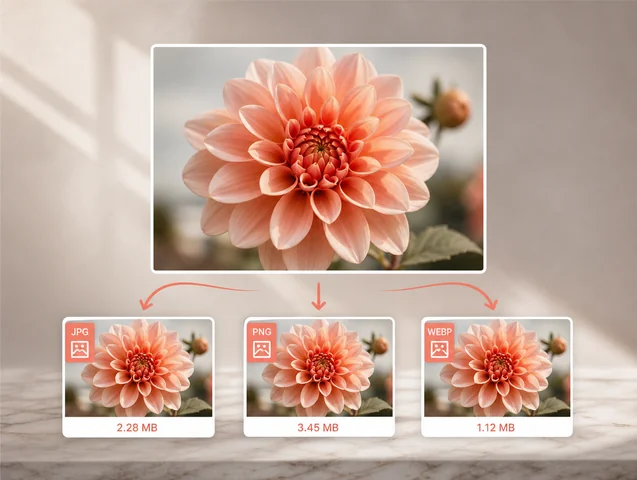
Use JPG for photos when you do not need transparency. Adjust the quality to balance detail against file size.
Use PNG for cutouts and graphics that need transparent areas. Converting a JPG to PNG will not remove its background or restore lost detail.
WebP supports transparency and compressed images. Check that the site or application receiving your file accepts WebP before converting.
JPG cannot store transparency. Choose a background color and inspect the preview before downloading.
Changing the file format alone cannot restore detail. Avoid repeatedly exporting a photo with lossy compression.
Try 3 guest exports. Create a free account for 30 Toolbase exports per calendar month. Paid plans include unlimited Toolbase exports. AI generation is priced separately.
This browser tool processes images on your device. Saving assets to your account or using AI workflows involves separate cloud services. Download your result before leaving or reloading the tool.
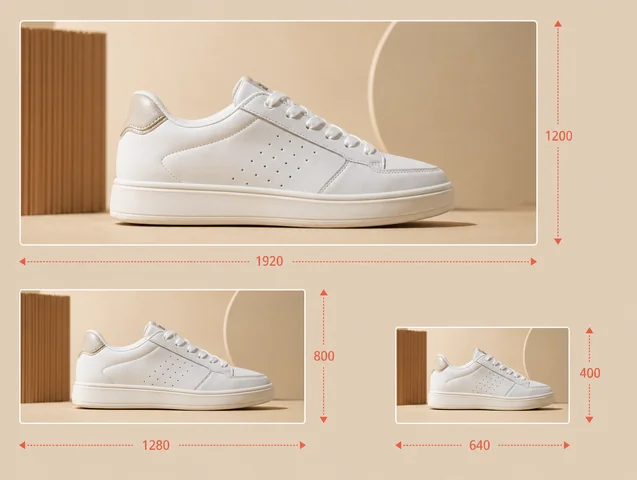
Resize JPG, PNG, and WebP images to custom dimensions. Choose how your photo fits, preview the result, and download from Creatorbase Studio.
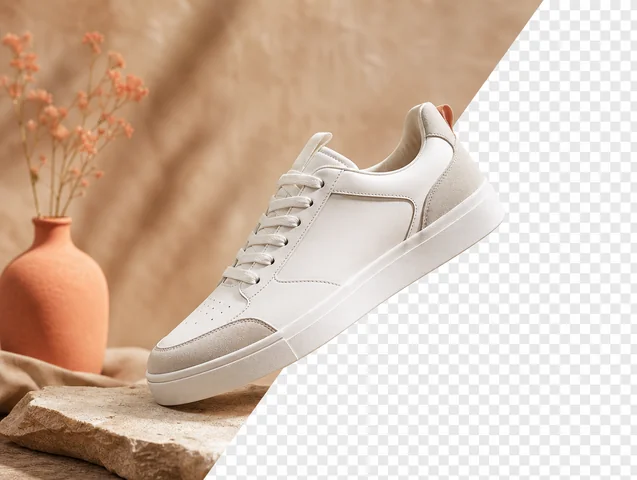
Remove an image background in your browser, refine the cutout, and download a transparent PNG with Creatorbase Studio.
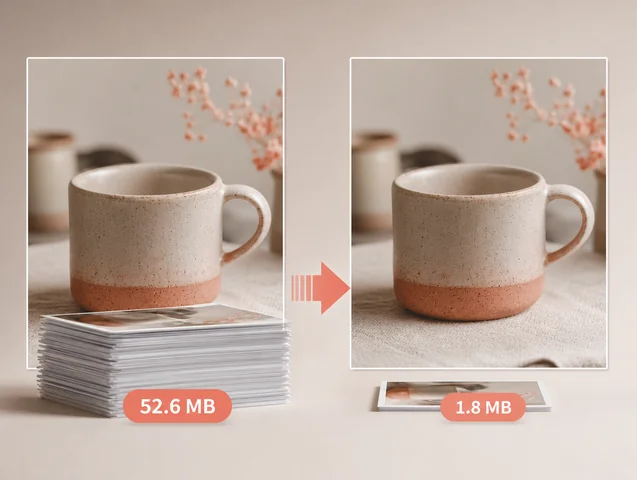
Compress images with adjustable quality and output settings. Compare the result and file size before downloading with Creatorbase Studio.


A little fine-tuning. A whole new perspective.
Tell AI what you want to change—enhance the lighting, reimagine the background, or add a new look.
Upload a photo, choose an action, and make it yours.
Requires AI Studio access and credits. Add your exported photo as a reference in the studio, then review the estimate before generating.
Choose a photo to preview a slow cinematic zoom.
Upload a video, select a moment, and save a shorter clip.
MP4, MOV, or WebM supported by your browser
Loading your image workspace…